Fast actions
Dock → open with details already filled.
One-Tap Actions · Home & Lock Screen shortcuts
Tap, don’t search.
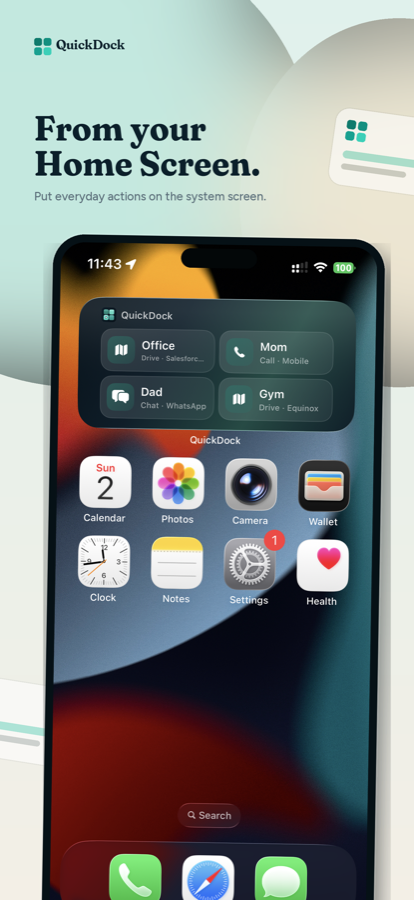
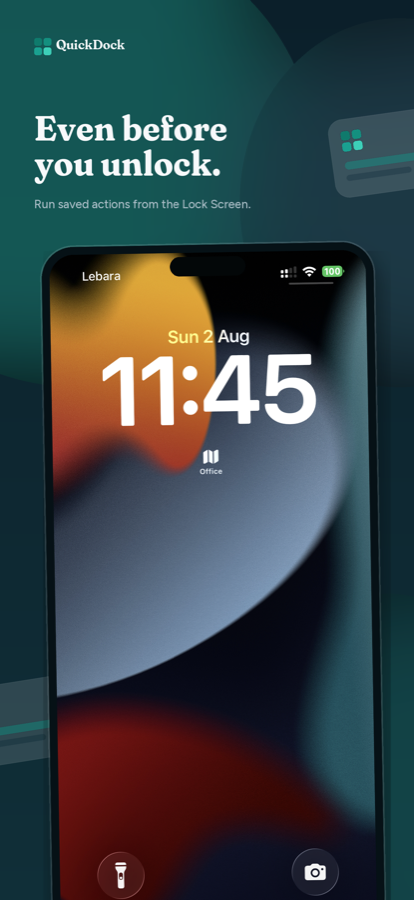
Stop retyping the same address, number, and message. Save each one as a named button and open the right app with the details already filled in — from your dock, Home Screen, or Lock Screen.

Available on the Apple App Store. Google Play Store coming soon.
App Store captures — swipe to browse.
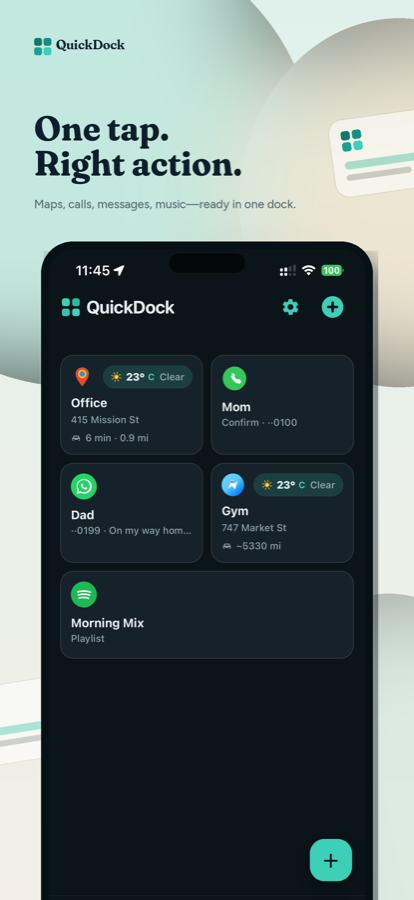
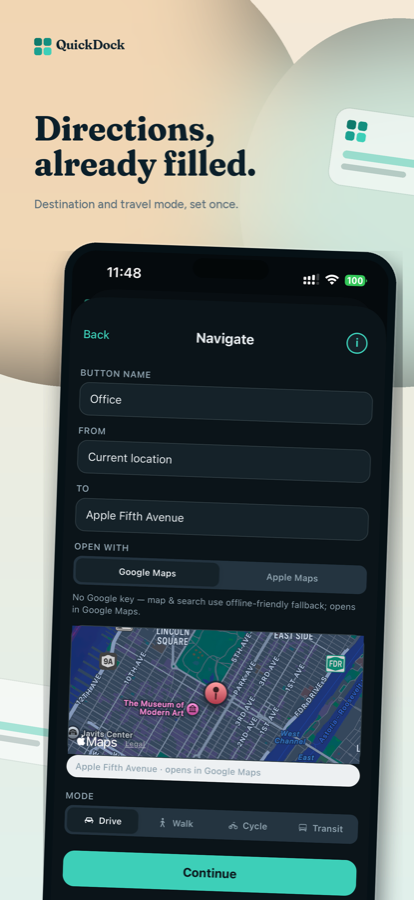
See QuickDock in action.
Dock → open with details already filled.
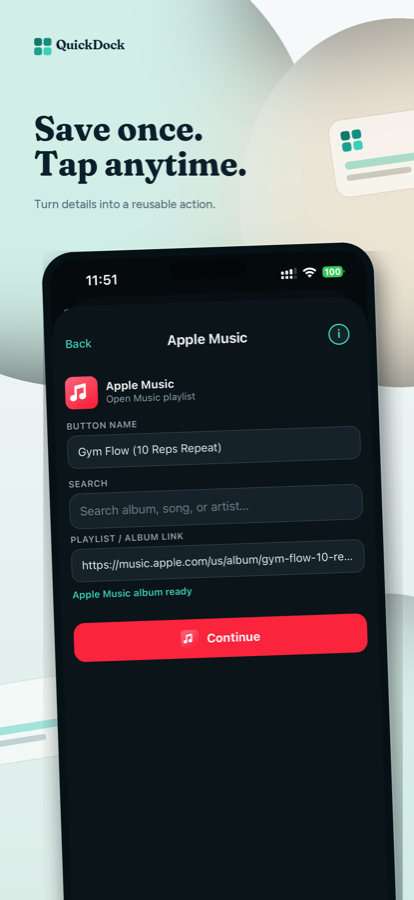
Catalog and short forms — save in under a minute.
Widgets, appearance, and preferences — still free.
Available now on the Apple App Store. Google Play Store coming soon.
Need help? Visit Support or email quickdock.support@gmail.com.
Free forever. No account. No paywall.
Pick an action, fill a short form, preview, and save. Tap tomorrow and the partner app opens exactly where you need.
Small and medium Home widgets, plus Lock Screen styles on iPhone. Pin which actions appear in Settings.
On iPhone, saved actions sync to Siri and Shortcuts. Say the button’s name — no shortcut to build.
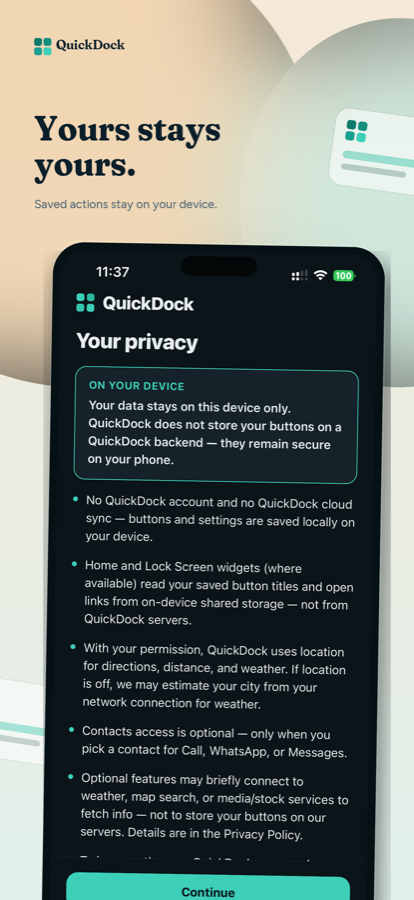
Buttons stay on your device. No QuickDock cloud sync. Optional anonymous usage reporting can be turned off in Settings.
QuickDock is an independent app. It is not affiliated with, endorsed by, or sponsored by Google, Meta, Apple, Spotify, Uber, Lyft, Microsoft, Slack, or any other third-party brand shown in the app. All trademarks belong to their respective owners. QuickDock opens third-party apps and websites using standard links; your use of those services is governed by their own terms.